Deploying Zola on Azure
2025-10-30
Writing about how a blog is wired together is a cliché, but it’s my turn now. At the time of writing, the blog is a static web page. No database queries or fancy server side rendering, just a simple file in response to a request.
But a static web page needs a place to live, and fortunately there are many options. I’ve tinkered with Azure the past months, so it was a short leap to try out Azure Static Web Apps.
To generate this site, I landed on Zola. Zola is a static site generator written in Rust and shipped as a binary. The latter is convenient, since I don’t need to set up a development environment in a programming language to get started. What was missing were instructions on how to get Zola up and running in Azure.
So here is how I wired up Zola to deploy on Azure Static Web Apps with GitHub Actions.
I started by creating an Azure resource group where my future blog should live. In the creation wizard, I authenticated with GitHub and selected the repo with my blog. I then weaked a few settings. Setting Build Presets to Custom and Deployment authorization policy set to GitHub.
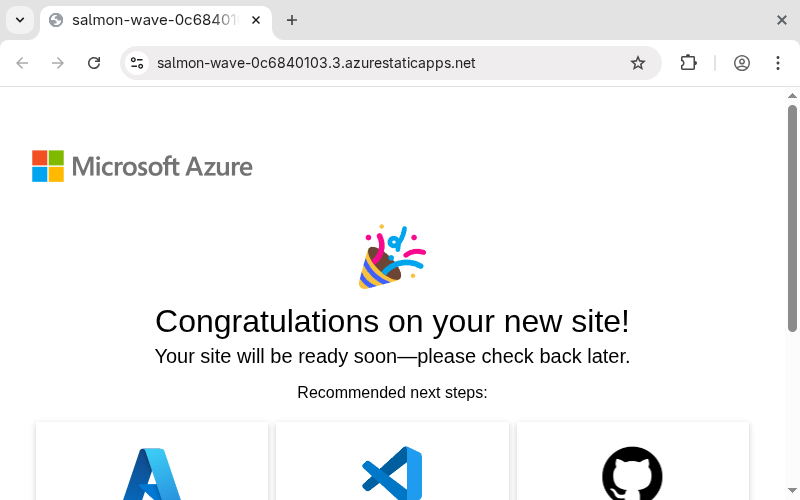
After the web app was created, I navigated to the rather ugly URL that came with it and landed on a default Azure page.
Back at the GitHub repo, I noticed that Azure has added new GitHub Actions workflow which failed to run. Time to get the workflow up, running and green.
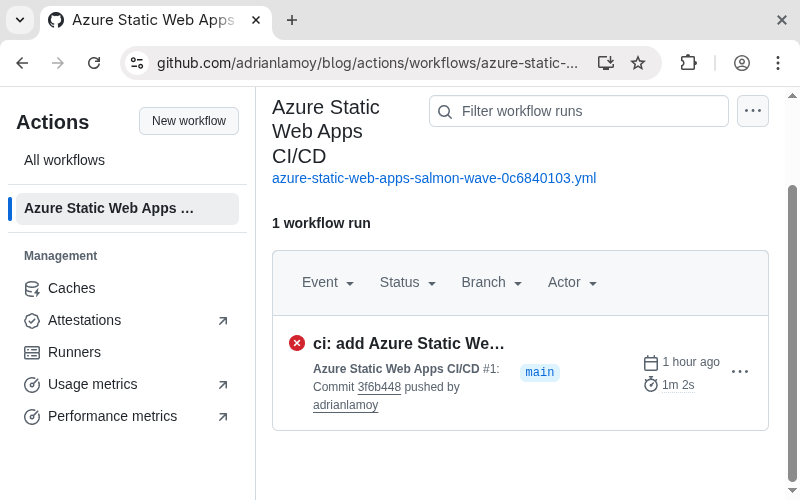
Previously, I selected the custom build preset for the web app. This gave us a workflow, but it didn't come with Zola preinstalled. The first step was to add Zola to the workflow.
- name: Install Zola
  uses: taiki-e/install-action@v2
  with:
    tool: zola@0.20.0
With Zola installed, I added a step to build the blog.
- name: Build
  run: zola build
After building with Zola, the static site ends up in the output folder. I updated the build and deploy step to only deploy the output directory.
- name: Deploy
  id: deploy
  uses: Azure/static-web-apps-deploy@v1
  with:
    azure_static_web_apps_api_token: ${{ secrets.AZURE_STATIC_WEB_APPS_API_TOKEN_SALMON_WAVE_0C6840103 }}
    action: "upload"
    app_location: "/public"
    github_id_token: ${{ steps.idtoken.outputs.result }}
    skip_api_build: true
    skip_app_build: true
Below are all the steps in the modified build pipeline.
steps:
  - uses: actions/checkout@v3
    with:
      submodules: true
      lfs: false
  - name: Install OIDC Client from Core Package
    run: npm install @actions/core@1.6.0 @actions/http-client
  - name: Get Id Token
    uses: actions/github-script@v6
    id: idtoken
    with:
      script: |
          const coredemo = require('@actions/core')
          return await coredemo.getIDToken()
      result-encoding: string
  - name: Install Zola
    uses: taiki-e/install-action@v2
    with:
      tool: zola@0.20.0
  - name: Build
    run: zola build
  - name: Deploy
    id: deploy
    uses: Azure/static-web-apps-deploy@v1
    with:
      azure_static_web_apps_api_token: ${{ secrets.AZURE_STATIC_WEB_APPS_API_TOKEN_SALMON_WAVE_0C6840103 }}
      action: "upload"
      app_location: "/public"
      github_id_token: ${{ steps.idtoken.outputs.result }}
      skip_api_build: true
      skip_app_build: true
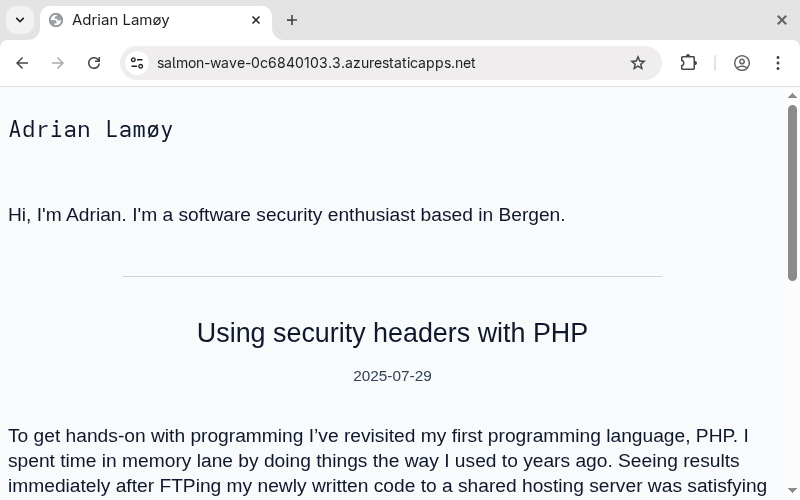
After reloading the page, I finally had a working site that looked like a blog. All with just a few tweaks in the build pipeline. Changes pushed to the main branch are automatically deployed on Azure.
With a working site, it was time to run some scans. Since I’ve previously written about security headers, it would be bad not to practise it on my own blog. I ran a scan which resulted in a C. Room for improvement and more words in this post.
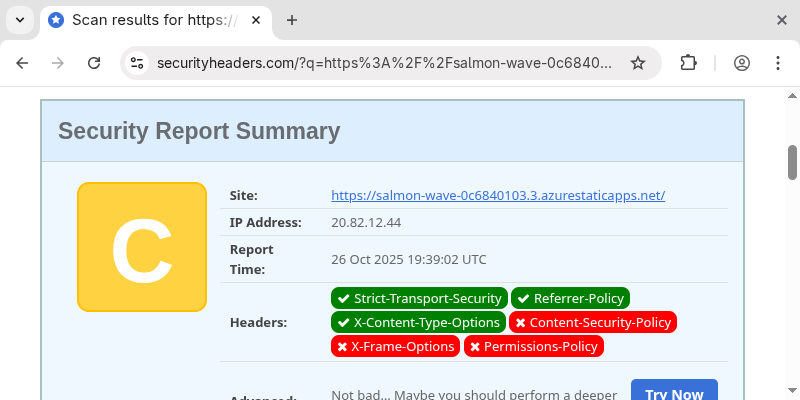
Looking at the missing headers, it’s no crisis since the blog is a static page. Still, it's good practice to tighten things where possible, so I added a staticwebapp.config.json with a few headers. I also prefer URLs with trailing slashes, so I added that to the config as well.
{
  "globalHeaders": {
    "Content-Security-Policy": "default-src 'self'; child-src 'none'; connect-src 'none'; font-src 'none'; manifest-src 'none'; media-src 'none'; object-src 'none'; script-src 'none'; style-src 'self' 'unsafe-inline'",
    "X-Frame-Options": "DENY",
    "Permissions-Policy": "camera=(), geolocation=(), microphone=(), payment=()"
  },
  "trailingSlash": "always"
}
I updated the build step so staticwebapp.config.json gets moved into the output folder, which lets Azure pick up the configuration and deploy it.
- name: Build
  run: |
    zola build
    cp staticwebapp.config.json public/staticwebapp.config.json
Then, it was time for a new scan of the security headers. I submitted the site again, and now it’s an A+.
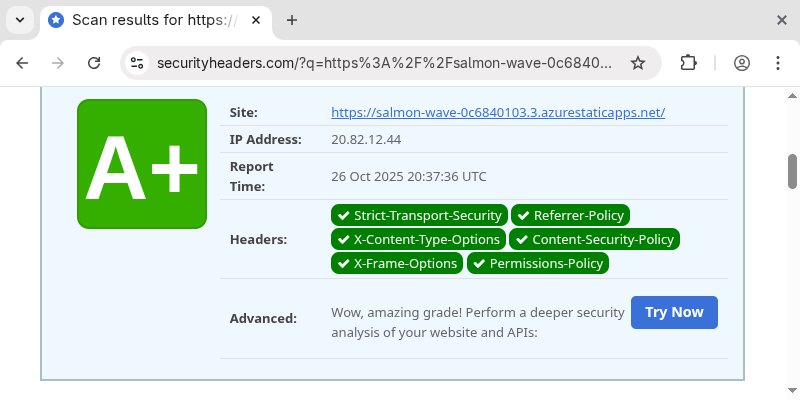
Now I have a working blog built with Zola, which is deployed on Azure with proper security headers. All without too much work.